Read your guitar practice streak and history
Review a local 12-week heatmap, streaks, totals, and recent completed practice sessions in one personal log.
Access: Pro. The log records only when the effective license is Pro, and cached access fails open during an outage.
Open practice log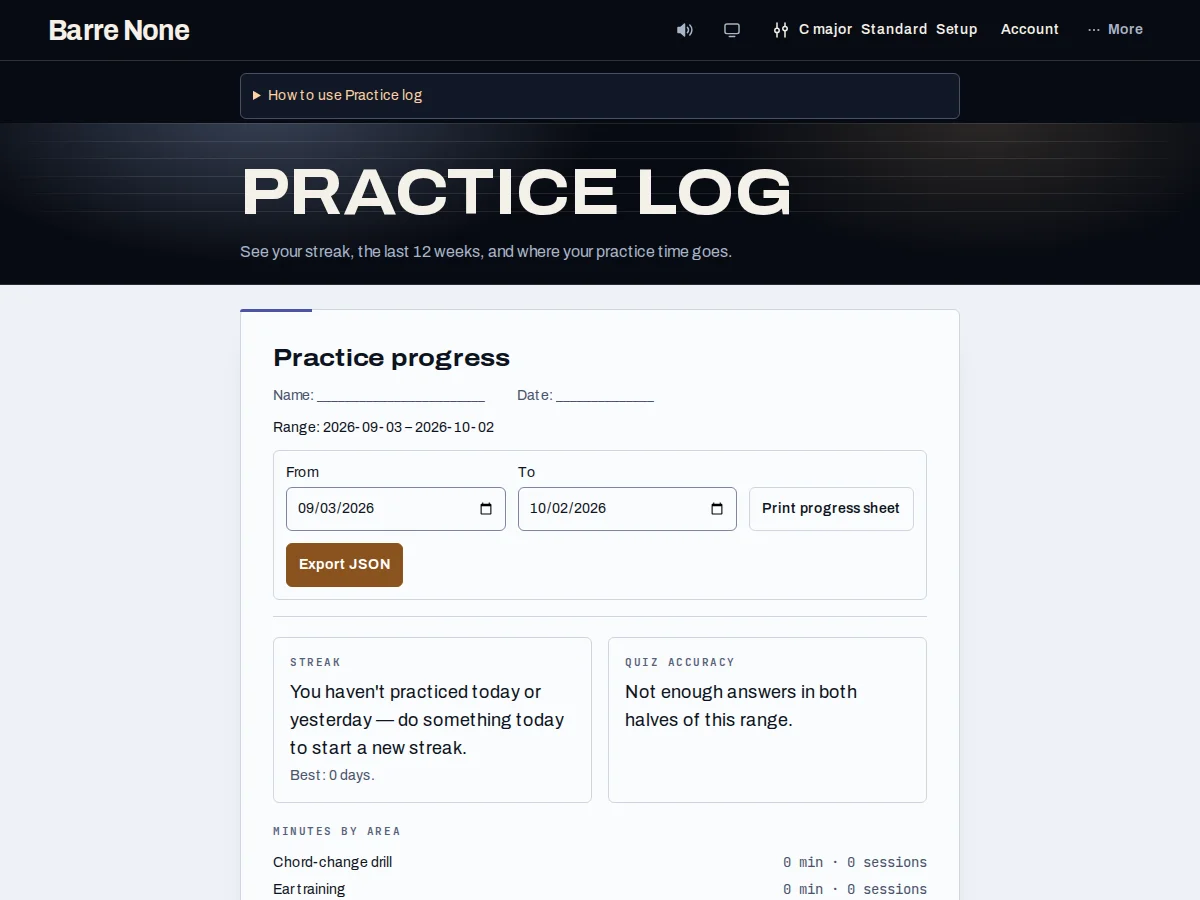
Get started
- Open Practice log after completing a supported drill, quiz batch, timed loop, or rehearsal.
- Read the streak sentence and best streak instead of relying on the number alone.
- Use the 12-week heatmap to spot gaps and consistent days.
- Compare the last-30-days totals by activity kind.
- Open a recent session to see its session detail, tempo, and duration when present.
- Use Clear log only after typing CLEAR HISTORY; export or back up first if you may need the records.
How it works
What is recorded
The log records completed activity, not every click: change drills that reach zero, accepted ear-training batches, note-trainer batches, stopped rhythm sessions, metronome sessions of at least 30 seconds, looped progression practice, completed song/chart/CAGED work, and eligible guided practice. It stores local date, elapsed seconds, kind, and session details such as BPM or score. Raw listening behavior and playback position are not analytics.
Understand the summaries
The current streak counts today or yesterday as alive and uses local calendar days. The heatmap distinguishes no event from an event and remains readable in words. Totals keep all fixed activity kinds visible, including zero-time rows. The route is personal and noindex; it works offline after visiting.
- Free sessions do not silently accumulate hidden records.
- Failed writes keep the visible event available for explicit Retry saving practice.
Example: interpret a missed day
- Finish a 12-minute note-trainer batch on Tuesday.
- Open the log and find Tuesday’s cell in the 12-week heatmap.
- Read the streak sentence: practicing today or yesterday keeps the run alive.
- Use the activity totals to choose whether Wednesday should focus on ear training or rhythm.
What to expect: The log turns completed sessions into a realistic next practice choice instead of treating an empty day as a failed performance.
Troubleshooting
A free session is missing from the log.
That is intentional: the entire practice-log feature is Pro and free completion does not create hidden personal data.
A short metronome run is absent.
Metronome history requires at least 30 seconds and a completed stop. This avoids logging a click left running briefly while setting up.
The log write failed.
Use Retry saving practice when it appears. The retained event stays in the current tab; do not assume it was saved until the success message confirms it.