Send Barre None feedback and read replies
Send a bug, idea, or question to the Barre None team and review the latest status or reply.
Access: Any verified account, including Free, can submit feedback. Sending requires connectivity; unsent drafts remain only while the page stays open.
Open Feedback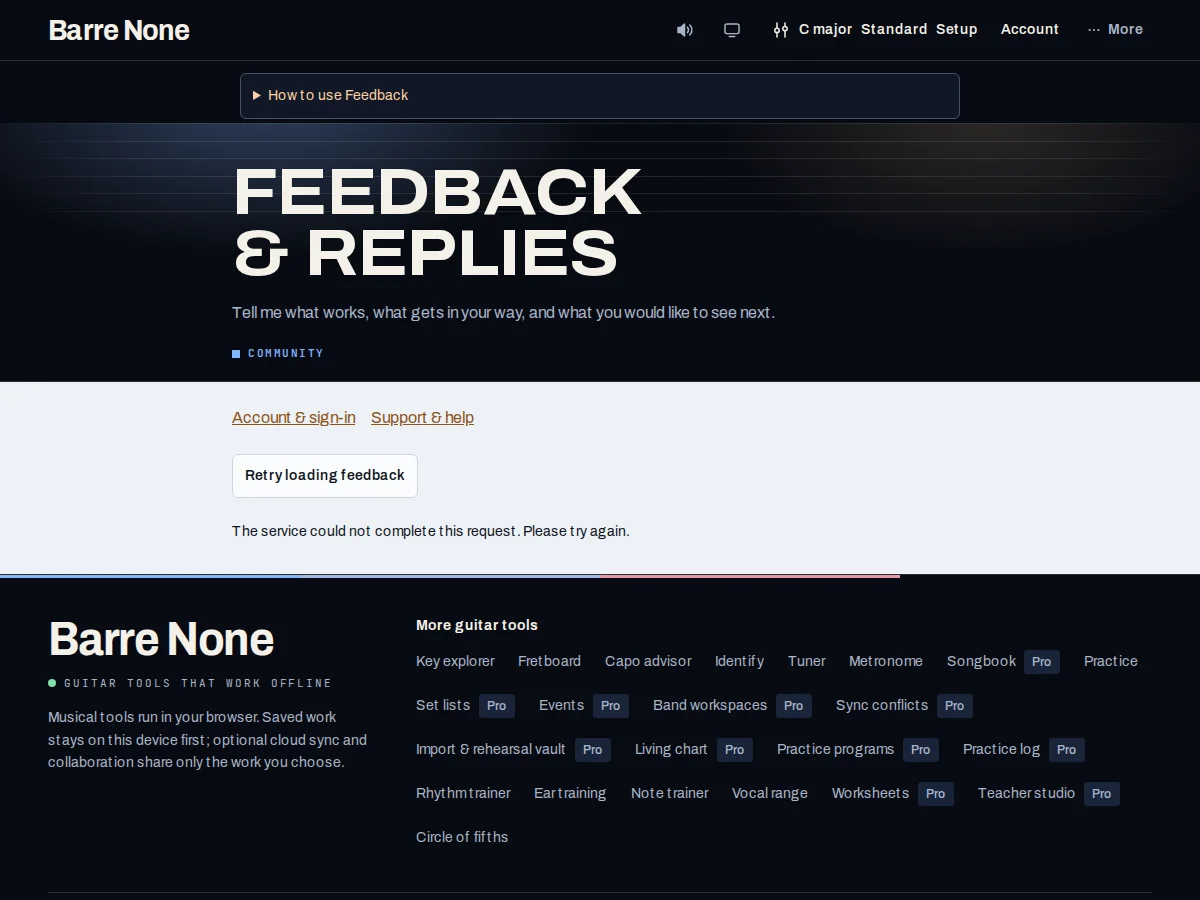
Get started
- Open Feedback from the footer or Account and sign in if prompted.
- Choose bug, idea, or question, optionally select a tool, and write a message up to 4,000 characters.
- Press the submit control once and wait for the delivery result; keep the page open if a retry is needed.
- Review the latest 50 messages, statuses, and developer replies after a successful refresh.
- If delivery is uncertain, use the visible retry rather than creating a new message by editing the draft.
How it works
What to include
Name the route, the control you pressed, what you expected, and what actually happened. Avoid passwords, OTPs, cookies, payment data, private song text, or student information. Feedback is sent with your account and the selected tool. It does not attach your local library or musical URL settings.
The optional tool selection helps triage; it does not grant support staff access to your local files or cloud snapshot.
Delivery and drafts
A successful delivery is reported separately from a later history-refresh failure. New text typed while an earlier message sends remains intact. A malformed or failed acknowledgment keeps the draft and marks delivery unconfirmed.
If delivery is uncertain, retry the same message from the page to avoid duplicates. Leaving or reloading discards the unsent draft; nothing submits in the background.
Privacy and replies
Verified accounts can see their own latest 50 messages and replies. Messages render as text, and account/session checks prevent one browser session from reading another account’s history.
Replies are an inbox response, not a threaded chat. The owner’s statuses include new, reviewing, planned, done, and closed; a status is not a product launch promise.
Report a transpose issue
- Choose Problem or bug and select Songbook.
- Use a short original example such as C–F–G and describe the expected target key. Leave out private or copyrighted song text.
- Submit, then keep the page open until delivery is confirmed.
What to expect: Your report is sent with your account and selected tool, without attaching your local library or audio. Replies appear in Your recent feedback.
Troubleshooting
The message says delivery is unconfirmed.
Keep the draft visible and use the explicit retry with the same text. Do not reload first, because unsent drafts are not persisted.
History will not refresh.
Retry the history request separately. A successful earlier delivery may still be saved even when the later list read fails.
I want to send an OTP or private file for debugging.
Do not send credentials, OTPs, cookies, private files, or sensitive student details. Describe the behavior with a minimal, non-sensitive example instead.