Sync your guitar library across devices
Keep local-first data on the device while optionally signing in for a Pro cloud copy and conflict recovery.
Access: Most musical work remains free and local. Sign-in can exist on a Free account, but uploading a cloud library requires an active Pro access and an available account service.
Open Account & sync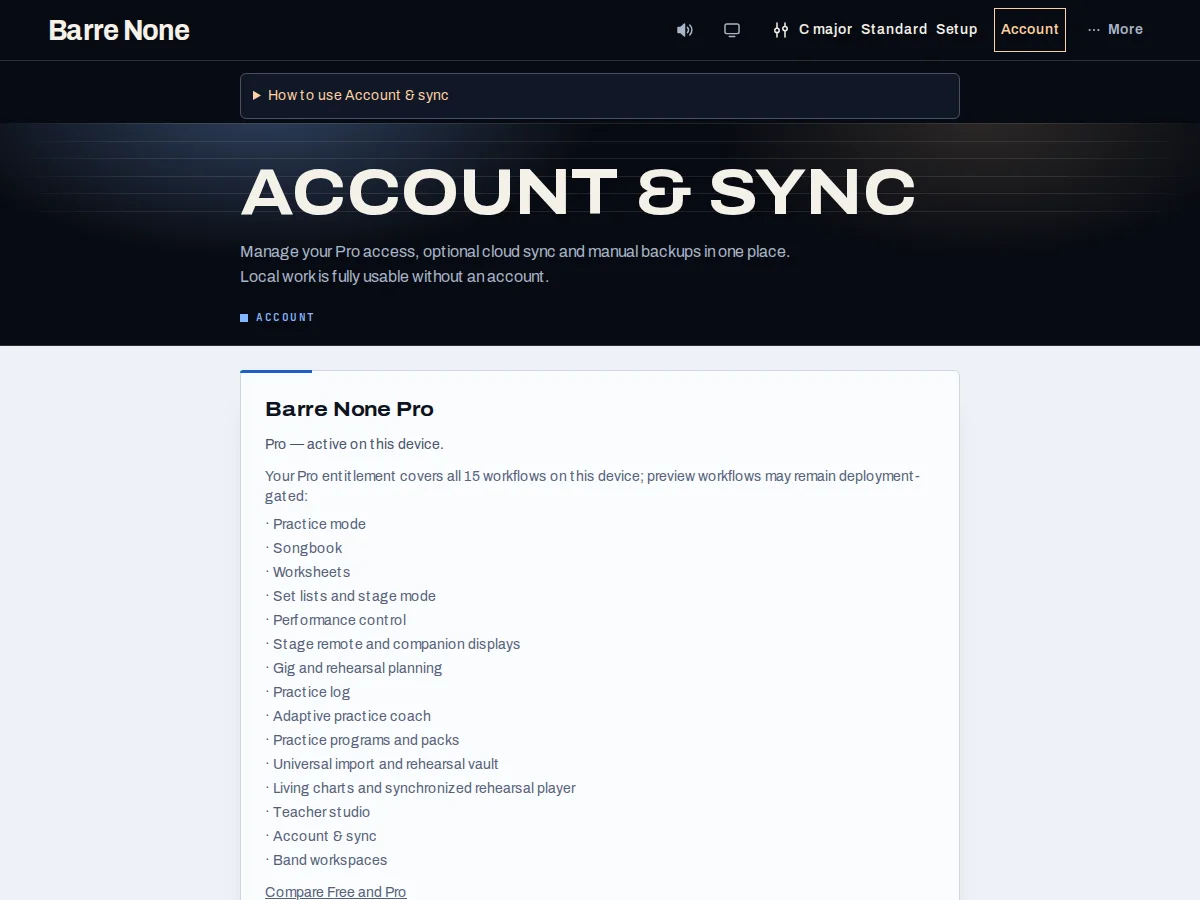
Get started
- Open Account and choose “Sign in”; enter the verification code without sharing it with anyone.
- Review the license summary and the Account & sync panel before enabling opt-in sync.
- Use “Sync now” when online, or choose “Sync when back online” when the Offline chip is shown.
- Use manual backup to download a recovery file even if you do not want a cloud copy.
- Open Account recovery for preserved conflicts or damaged local collections.
How it works
What sync includes
Opt-in sync covers songs, note-only vocal demands, set lists, saved progressions, practice-log entries, owned events, and Living Chart source/timing/loop records. Appearance preferences, tuning labels, vocal profile, drill bests, URL/audio/microphone state, credentials, analytics identifiers, and media bytes stay out.
An owned event’s prepared show and recap travel with that event. Standalone prepared shows, pedal/MIDI mappings, and live session state remain local/manual-backup data.
Offline access
Local writes happen immediately and remain usable without an account. Offline changes show pending work and resume only after an explicit or scheduled online action; a failed request explains what needs attention.
Previously verified Pro access remains usable locally during a temporary service outage. Cloud actions still require a valid signed-in account. Free accounts can sign in and use billing without uploading a cloud copy.
Backup versus sync
Manual backup contains more device data than sync. Keep a backup before account deletion, conflict resolution, or browser migration. A full-backup restore replaces the library at that point in time; it is not an additive single-record import.
Cloud deletion preserves local work. Signing out or revoking a session does not erase local songs or backups.
Move a local library carefully
- Download a manual backup on the old browser.
- Sign in on the new browser and verify Pro/account access.
- Restore the backup only after confirming the destination library can be replaced.
What to expect: The destination receives the backup snapshot; it does not silently merge unrelated records into the restored point in time.
Troubleshooting
Sync says “when back online”.
That is expected offline behavior. Local work is retained; reconnect and use the explicit sync action once the account identity is refreshed.
A Free account can sign in but sync is read-only.
Signing in does not itself grant Pro. You can keep a manual backup and use free local tools; Account shows any upgrade or activation options currently available.
A restore removed newer local work.
Restore is replacement by design. Download the current library first, then recover individual records through import or Account recovery where supported.