Build a guitar songbook and transpose chord sheets
Paste a chord sheet, find its key and capo, transpose it, and keep a local library of playable songs.
Access: The chord-only sample is free. Loading, analyzing, transposing, printing, and saving your own Songbook sheets require Pro. Saved songs stay in this browser unless you connect optional sync.
Open Songbook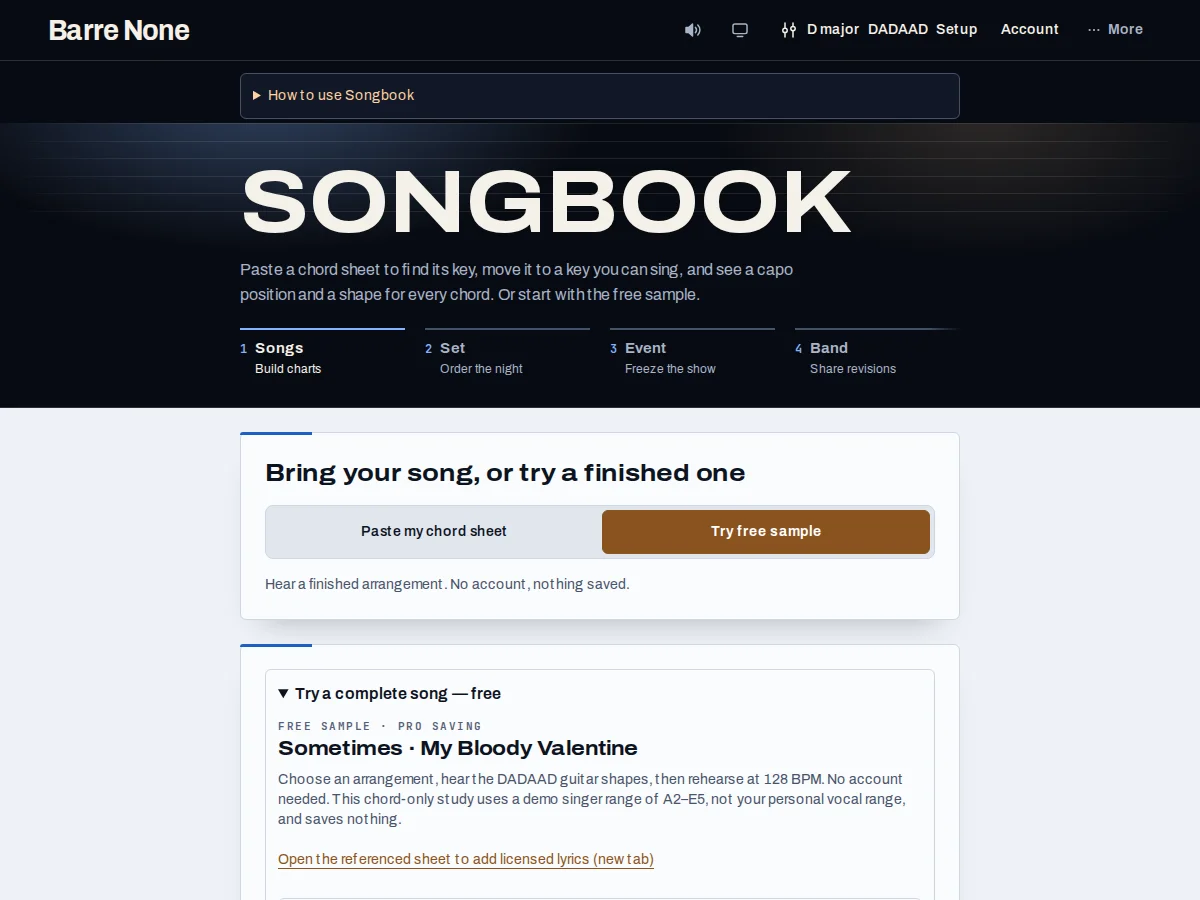
Get started
- Choose Try free sample to explore first. With Pro, choose Paste my chord sheet, enter ChordPro, chords over lyrics, or a list such as “Am, F, C, G”, then press Load.
- Review the detected key candidates and the “You want…” capo advice. Choose “Set capo N” only if that is the capo you will actually use.
- Use “Transpose to” to choose another tonic, then check the generated chord reference in the current tuning.
- Enter a Song name and choose “Save this song”. Use Copy sheet for portable ChordPro text, or Export .cho on a saved song for a file.
- For a singer, use “Find vocal key” or the separate Song vocal demands controls; melody notes are never inferred from chord symbols.
How it works
What the analyzer understands
ChordPro directives such as title, artist, key, capo, tempo, and section markers are recognized. Unknown directives become comments. Chords-over-lyrics are aligned by their character position, while commas and bar lines are ignored in a bare chord list.
The declared key is preferred but detected candidates remain visible. “Use this tempo” appears only when a valid tempo directive is present. Lyrics stay byte-for-byte unchanged when chords are transposed, including slash basses.
Where work is stored
The sheet is saved as round-trippable ChordPro text in the browser, not in the URL. Draft edits remain in the current tab until a successful save. Account → Your data backup includes the library; a rehearsal-pack export includes only songs referenced by that set.
The browser can reopen the newest saved song after reload and reflect saved changes made in other tabs. A failed quota or private-mode write leaves the editor and name intact so you can copy the source before trying again.
Arrangement and vocal demand
Songbook can explain arrangement choices using saved evidence such as chord changes, tuning, and a manually supplied vocal range. A note-only passage capture is reviewed before “Save passage” and keeps selected notes and anchors, never a recording.
When the library is empty, the chord-only Sometimes sample demonstrates the workflow without bundling copyrighted lyrics. “Practice this song” opens a normal drill with a hardest voiced change preloaded; it does not start audio automatically.
Example: transpose a C-major verse to D
{title: Verse}
{key: C}
[C]A new day [F]begins- With Pro, paste the example below and press Load.
- Choose D in Transpose to. C becomes D and F becomes G.
- Name it “Verse in D” and press Save this song.
What to expect: The words stay unchanged while every chord rises two semitones. Save this song creates a new library copy, so an earlier saved version remains available.
Troubleshooting
The song disappears after saving.
A browser write may have failed. Check the visible error, copy the ChordPro source, and retry after freeing storage; the UI should not clear a failed save.
Transpose gives no result.
Split an unusually long sheet or remove malformed chord tokens. The operation leaves the complete current sheet unchanged when its bounds are exceeded.
The vocal-fit marker is missing.
Chord sheets contain no melody. Supply explicit singer low/high endpoints or a reviewed vocal-demand passage first.