Build a guitar setlist and use Stage Mode
Arrange saved songs for a performance, pin show-night overrides, and rehearse from a large-type stage view.
Access: The three-song Stage Mode demo is available without an account. Creating personal sets and saving performance details require Pro; existing sets can be recovered or exported when Pro expires.
Open Setlists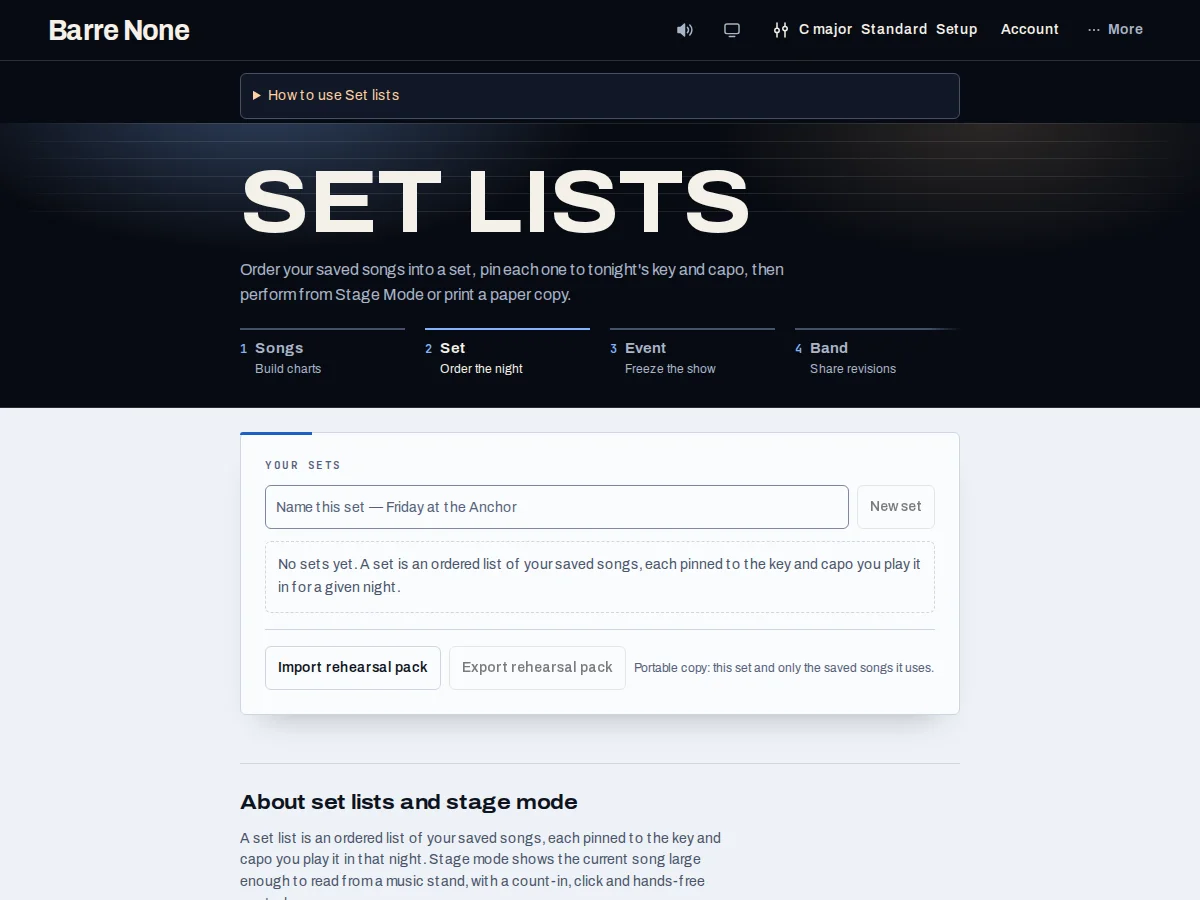
Get started
- Save songs in Songbook first, then open Setlists and create or select a set.
- Search the saved-song picker and choose “Add”; pin the key and capo you will play for each entry.
- Expand “Performance details” for tuning, duration, transition time, notes, cues, or instrument changes.
- Review “Show readiness”, test any keyboard-style pedals or device controls, then run “Prepare show & Perform”.
- Use Previous/Next or Page Up/Page Down in Stage Mode; export a rehearsal pack or print a paper backup before leaving.
How it works
Performance preparation
Each entry keeps its own performance override while shared Setup tempo remains shared. The readiness summary flags missing songs, unknown keys, unset durations, tuning changes without transition time, sync conflicts, and stale practice history when available. It is advisory and never blocks Stage Mode.
Pedal and MIDI mappings, standby shows, and live session state remain on this device. They are not part of automatic account sync; use the explicit standby-show or handoff export when another device needs them.
Stage Mode preflight
Before a gig, open every song in order and verify the pinned key, capo, tuning, transition cue, and opening progression. Stage Mode supports large text, Previous/Next, arrow keys, Page Up/Page Down, and hands-free auto-scroll. It does not start audio merely because the dialog opened.
A saved set references local saved-song copies. Editing a Songbook draft does not silently change a set entry, and a frozen event remains independent from later set edits.
Portable recovery
“Export rehearsal pack” includes the songs a set actually references, once each, and rewrites imported references to fresh local IDs. Import shows a count and an “Import copy” confirmation before writing. Account backup is a whole-library recovery operation, not an additive set import.
Slow or failed reads, downloads, and saves retain a retryable draft. A failed save can be retried; “Reload saved set” is an explicit action because it replaces the open draft.
Preflight a two-song opener
- Add “Morning” and “Evening” from the picker.
- Pin Morning to G with capo 2 and set Evening to D with a 5-second transition.
- Resolve every readiness row, then choose “Prepare show & Perform”.
What to expect: Stage Mode opens the selected performance in order with the actual pinned values and the transition cue visible.
Troubleshooting
A song is missing from the picker.
Save it successfully in Songbook first. A draft or failed local write is not a saved source.
Stage Mode will not show my personal set.
Personal authoring and persisted performance state are Pro-gated. Use the free three-song demonstration or recover an existing set through the available export/recovery controls.
Why did my pedals or MIDI setup not appear on another device?
Those mappings are device-local and excluded from automatic sync. Export a standby show or configure the hardware on the destination device.