Set a guitar practice pulse with the metronome
Create a steady click from 40–240 BPM, tap in a tempo, and choose a 2-, 3-, 4-, or 6-beat bar.
Access: Free. A practice-log entry is created only for an eligible Pro session of at least 30 seconds.
Open metronome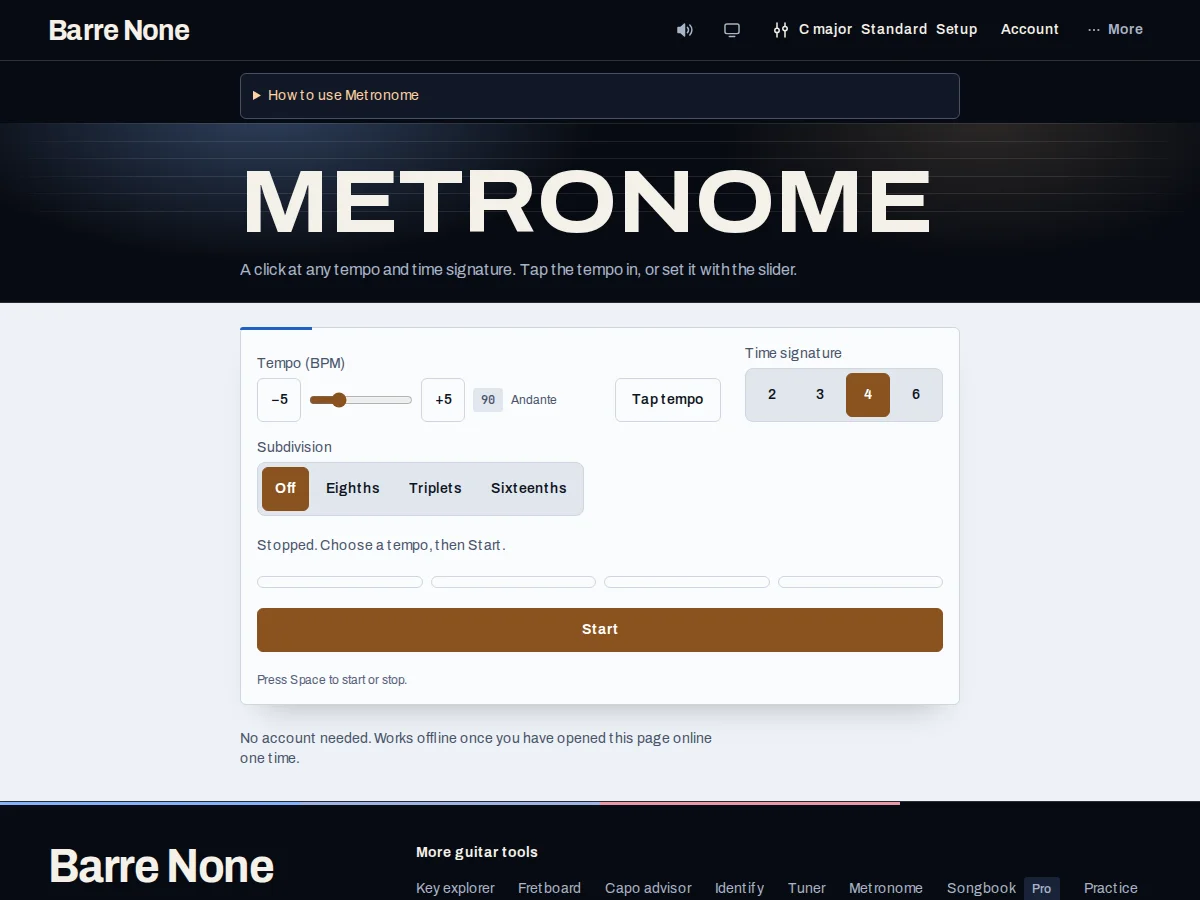
Get started
- Set BPM with the slider or the −5 and +5 buttons.
- Press Tap tempo at least twice in time with a song or your foot; recent taps are averaged.
- Choose 2, 3, 4, or 6 beats to the bar.
- Press Start and count several bars before playing.
- Practice a part slowly, then raise the tempo in small steps.
- Press Stop when the timed session ends.
How it works
Tempo and meter
Tempo ranges from 40–240 BPM, with 90 BPM as the starting point. Copying the page link shares the selected tempo. Tap tempo uses up to the last four intervals and starts a new count if you pause for more than two seconds. Changing tempo or meter while playing restarts at beat one with the new settings.
Build a useful routine
Use the first click of each bar as an accent and subdivide silently between clicks. Start below performance tempo, make clean chord changes for several bars, and increase by five BPM only when the movement stays relaxed. The beat dots help you follow the bar. Listen to the click for your timing and use the emphasized first beat to locate each new bar.
- Stop or the header mute control ends the click.
- A short stop under 30 seconds is not written to the Pro practice log.
Example: steady eighth-note strumming
- Set 4 beats per bar and 80 BPM.
- Start the click and count “1 and 2 and 3 and 4 and” for two bars.
- Strum down on each number and keep the upstroke motion even.
- Raise to 85 BPM only after four clean bars.
What to expect: You practice time against a stable quarter-note pulse while the bar accent makes the downbeat easy to locate.
Troubleshooting
Tap tempo does not change the BPM after one tap.
It needs an interval, so tap at least twice. A long pause resets the tap sequence for a fresh count-in.
The click starts late or stops after an audio error.
Press Start again after the visible retry message. Browser audio begins only from the button gesture and can be suspended by device policies.
Changing the time signature seems to jump backward.
That is intentional: changing meter or tempo restarts the transport on beat one so the new bar is unambiguous.