Build dependable strumming with the rhythm trainer
Practice guitar rhythm patterns against a count-in, metronome, and visual beat grid at a controlled BPM.
Access: Free. Eligible Pro completions can be recorded in the practice log.
Open rhythm trainer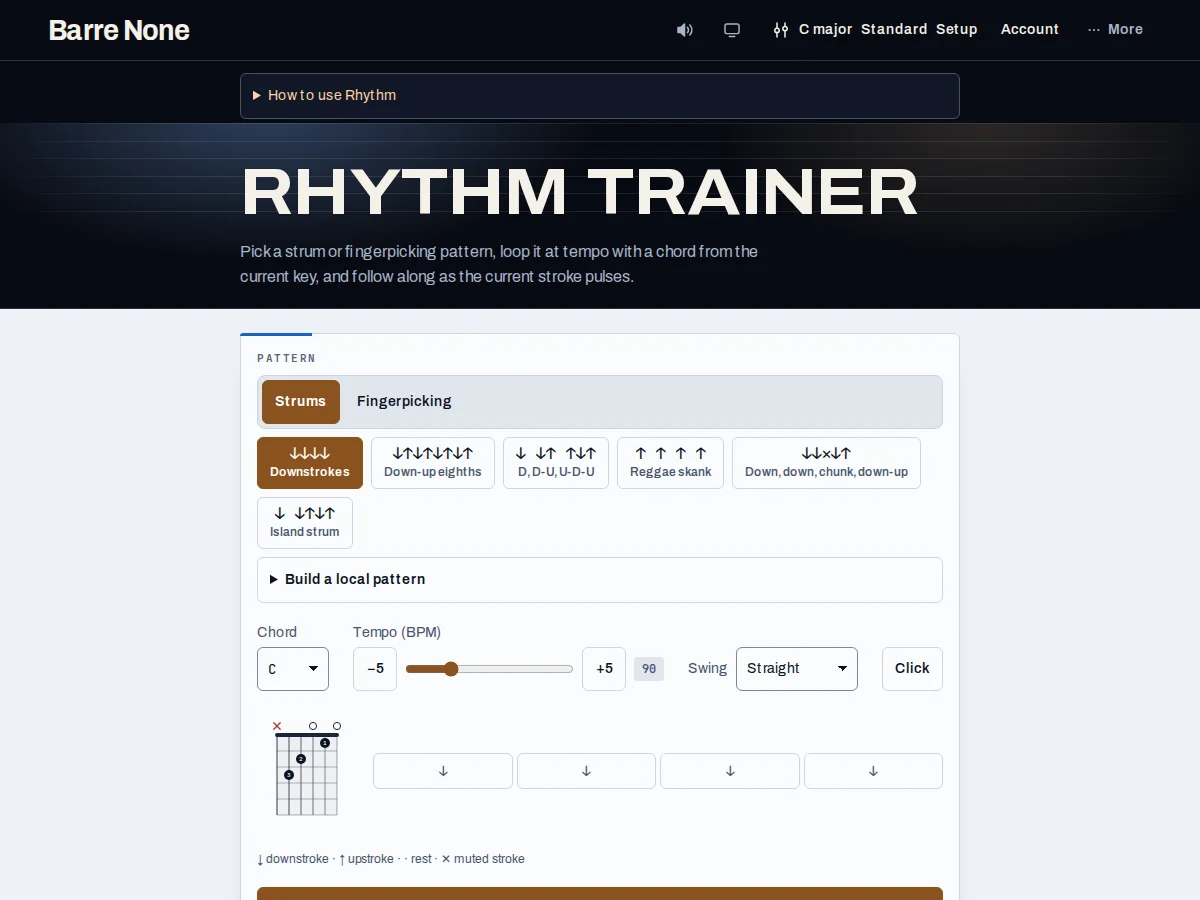
Get started
- Open the trainer and choose a rhythm pattern from the available pattern controls.
- Set a comfortable BPM; begin slower than the song if the pattern is new.
- Use the count-in to establish the downbeat before moving your hand.
- Follow the displayed subdivision and play muted strings first.
- Start the transport and let the click lead your motion rather than chasing it.
- Stop after a clean run and note the pattern or tempo to revisit.
How it works
Make the grid physical
Treat the hand as a pendulum: keep down-up motion through rests and let the pattern decide which strokes contact the strings. Say the subdivisions aloud, mute the strings, and then add the chord only after the motion is even. The count-in is there to establish the bar; it is not an extra rhythm to memorize.
Tempo and completion
The trainer uses the app’s shared audio clock and output channel, so mute and Stop cancel the scheduled sound. Work in small tempo increases and repeat a pattern until the accents land consistently. A completed or stopped session can be eligible for Pro practice history; an abandoned attempt should be treated as practice for you, even if it is not a logged event.
- If the pattern feels rushed, lower BPM before changing the strumming motion.
- Use the metronome route for an unconstrained pulse when you do not need a pattern grid.
Example: clean muted eighth notes
- Choose an eighth-note pattern and set 60 BPM.
- Count one bar of the click while moving down-up continuously.
- Mute the strings with the fretting hand and accent beat 2 and 4 lightly.
- Add a G chord only after four bars stay even, then raise to 65 BPM.
What to expect: The left hand can change chords later because the right-hand subdivision stays steady through every beat.
Troubleshooting
The pattern feels too fast even at the displayed BPM.
Use the count-in and say the smallest subdivision aloud. If needed, reduce BPM and practice muted strings before adding chord changes.
No sound comes from Start.
Check the global sound/mute control and press Start again. Audio begins from a user gesture and a visible startup error offers retry.
The visual pulse seems late.
Follow the audio click; the screen can refresh slightly later than the sound, especially on a busy device.