Learn guitar fretboard notes with a capo-aware note trainer
Practice naming notes and finding positions on the current neck, with optional local microphone answers.
Access: Free. Buttons need no permission; microphone mode uses local, monophonic pitch detection.
Open note trainer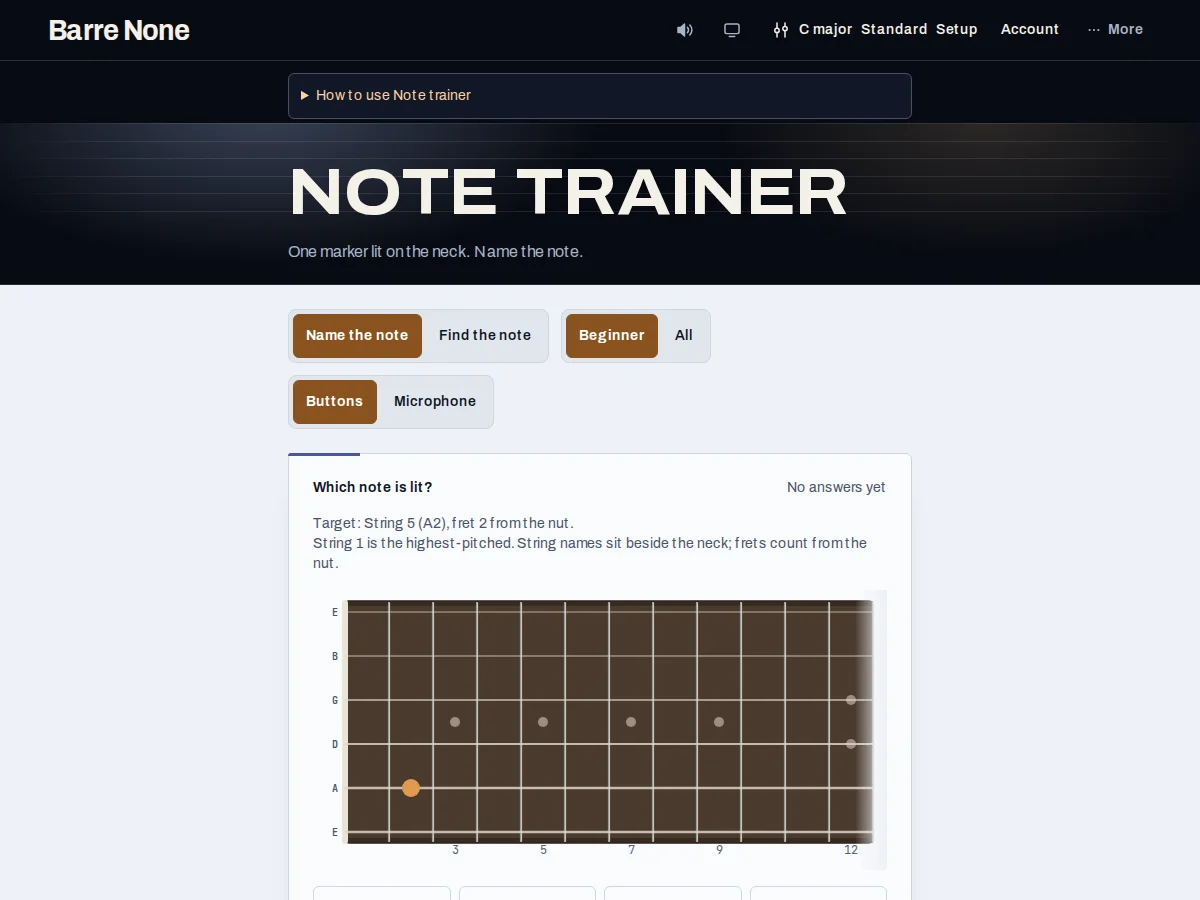
Get started
- Set the tuning and capo you actually play in Setup.
- Choose Name the note or Find the note, then select Beginner or All.
- For a button exercise, read the neck marker or prompt and choose an answer.
- For a sound exercise, select Microphone, press Start microphone, and play one steady note.
- Use the feedback to correct the answer, then press Next question.
- Finish session to flush an eligible Pro answer batch, or New session to clear the tally.
How it works
What the modes test
Name the note lights one position and asks for its pitch name. Find the note gives a pitch name and four labeled candidates on the neck. Beginner uses the tuning’s two lowest-pitched strings, frets 0–12, and natural notes; All uses every string, frets 0–15, and every semitone. Frets in the exercise are relative to the capo, while neck landmarks remain absolute from the nut.
Buttons and microphone
Buttons are the default and work offline with no permission. Microphone mode needs one monophonic note stable for about 250 ms. A wrong pitch-class reading asks you to try again rather than spending the attempt; intonation is coaching information, not a second pass/fail test. Release the note between questions. The input never goes to speakers and is released when you stop, switch modes, or leave.
- Very low strings may need to be played at a higher octave because detection starts at 55 Hz.
- A capo changes the sounding open pitch: standard tuning with capo 3 makes the low-string fret-0 answer G.
Example: standard tuning with capo 3
- Set standard tuning and capo 3.
- Choose Name the note and Beginner.
- When the low-string fret-0 marker appears, identify its sounding pitch rather than its uncapoed E label.
- Choose G and read the feedback.
What to expect: The exercise reinforces the note you hear and play at the capo: fret 0 on that covered string is G, not E.
Troubleshooting
The microphone answer never becomes stable.
Play one clear note, release it, and avoid a chord or background sound. If input is unavailable, switch to Buttons; permission errors include a retry path.
The fret number looks different from the neck marker.
The exercise can show capo-relative or absolute fret numbering, while the shared neck draws absolute landmarks. The sounding position is still the same.
The same note appears to be marked wrong.
Use the displayed spelling. The trainer uses one fixed tonic spelling per pitch class, so enharmonic alternatives are not separate choices.