Follow a structured guitar practice program
Browse authored lessons and packs, open linked activities, complete work offline, and print or export downloaded material.
Access: A complete free sample is available. Other program downloads and updates require active Pro access; cached packs remain readable after expiry.
Open programs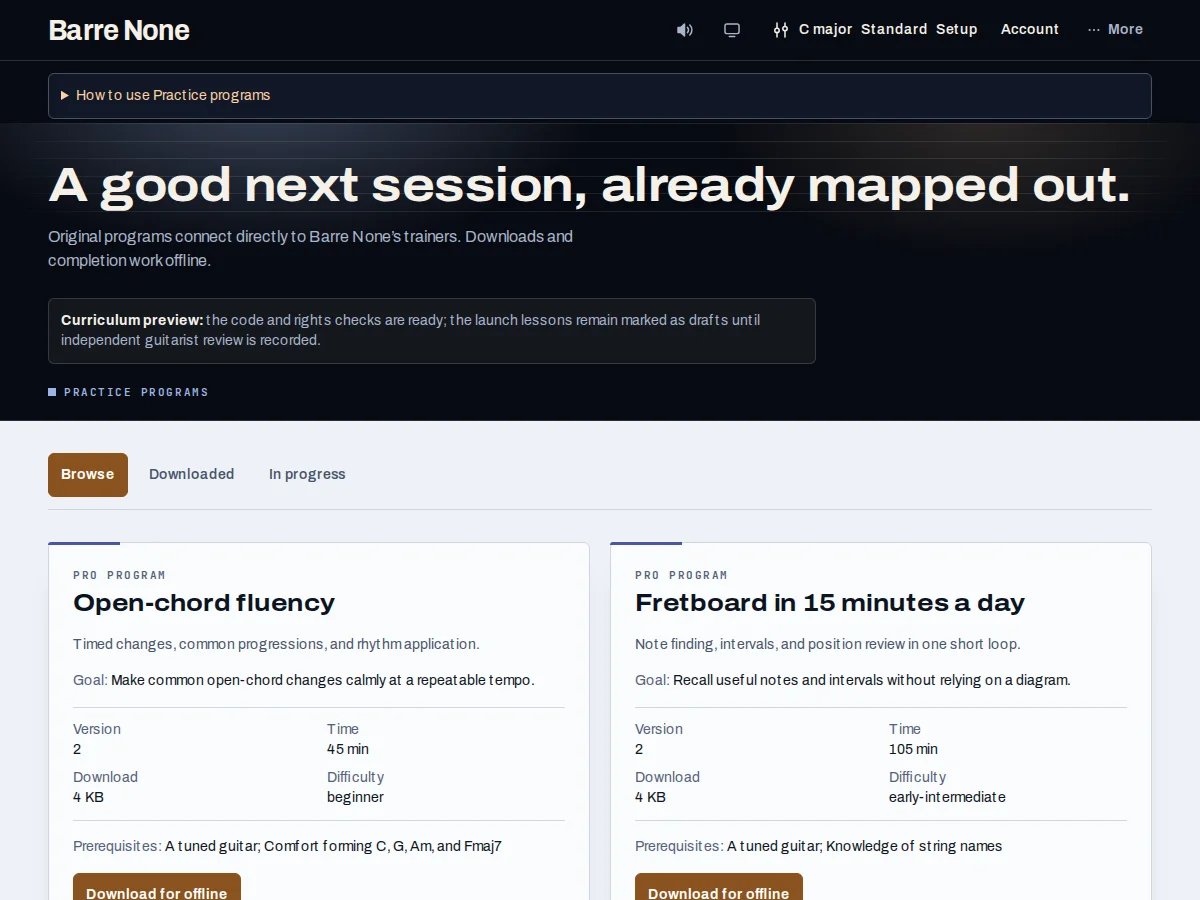
Get started
- Open the library and choose the complete free sample or a program available to your Pro account.
- Read the objective, prerequisites, estimated time, difficulty, version, and provenance.
- Download a selected Pro program while online, then wait for validation to finish.
- Open the lesson instructions and follow each linked Barre None activity.
- Choose Mark done after completing an activity and check that its saved status changes to Done.
- Use Print pack or Export pack for a cached lesson and its worksheet when you want an offline paper or Markdown copy.
How it works
Lessons are activity plans
A program is an immutable, versioned bundle of authored instruction and existing app activities, not a commercial-song catalog. Activity links apply the lesson’s key, progression, pattern, and tempo while preserving your instrument, tuning, and capo. The free C-to-G sample opens the free Key player at 50 BPM. These handoffs do not modify the published lesson.
Downloads and access
Downloads are checked for completeness before replacing a saved pack. An interrupted or failed update leaves the previous usable version intact. Cancel download, Retry reading downloads, and explicit removal are available when relevant. Cached content and completion history remain local and readable after Pro expires; new downloads and updates stop.
- There is no in-app notes editor; use the printed worksheet or annotate exported Markdown locally.
- Check each program’s displayed review status, prerequisites, and difficulty before using it for a lesson.
Example: the free C-to-G sample
- Open the free sample and read its objective and estimated time.
- Follow the linked Key activity at the supplied 50 BPM.
- Practice the progression with your own tuning and capo preserved.
- Choose Mark done after completing the activity, then print the pack if you want a paper worksheet.
What to expect: The sample gives you a complete, useful progression routine without requiring Pro or a network connection after it is available.
Troubleshooting
A Pro download failed and the lesson disappeared.
The previous validated version is kept until a complete replacement is ready. Use Retry reading downloads; an interrupted update should not replace usable cached content.
A newer version is announced but not shown as active.
The app keeps the cached version until the new pack finishes downloading and is checked. Completion history remains separated by version.
I cannot edit notes inside the lesson.
That is not an editor. Print the worksheet for handwriting or export the Markdown pack and annotate it in a local editor.