Build guitar chord progressions from presets or scratch
Start with a genre-neutral progression preset or build, reorder, hear, save, and export your own chord sequence.
Access: Free, with Pro features clearly marked
Open Progressions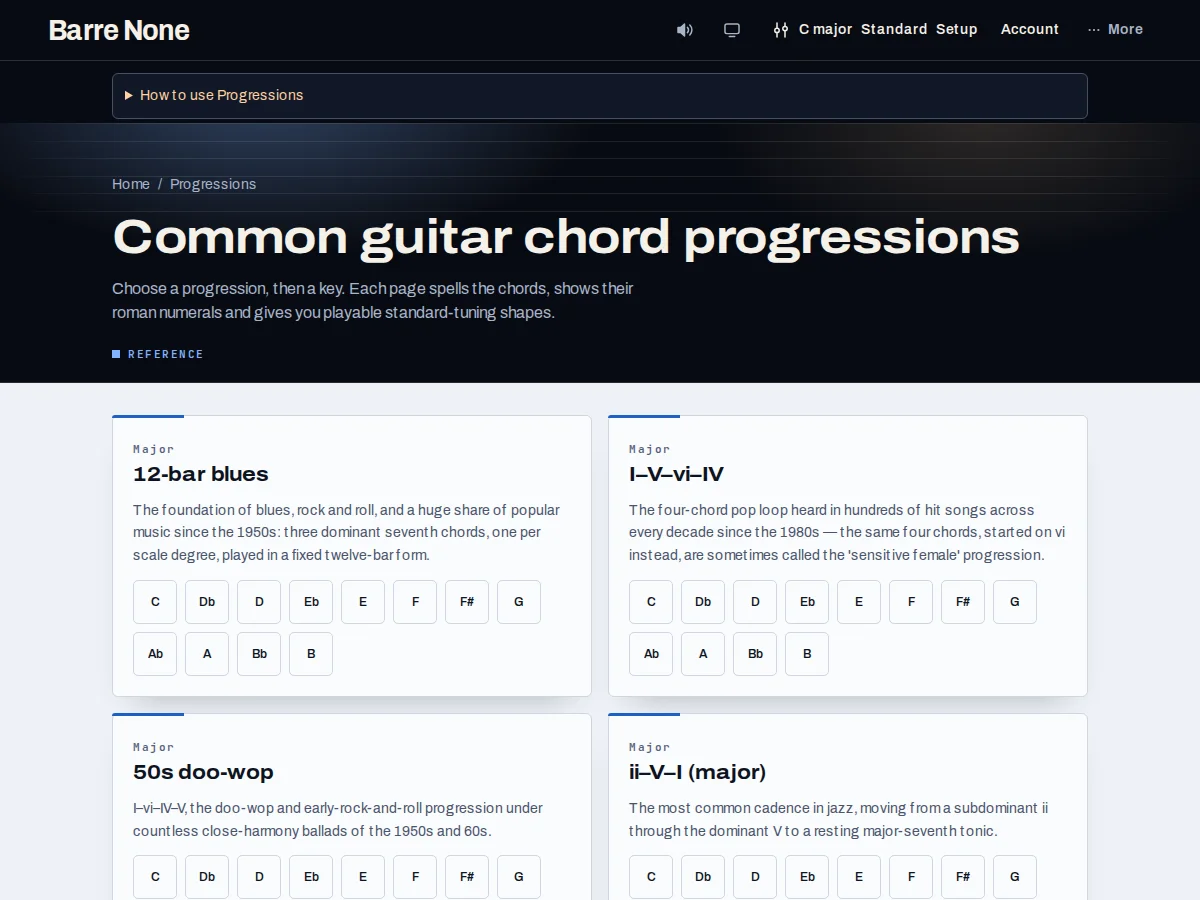
Get started
- Open Key explorer at /explorer, where the progression strip and Start from a progression picker live.
- Choose a preset such as 12-bar blues, ii–V–I, or Pachelbel from the select.
- Confirm the rendered chords in your current key; loading does not change the key.
- Edit the strip with its chord controls, undo when needed, and set a practice tempo.
- Play, copy, print, save locally, or share the URL after the sequence is ready.
How it works
Preset library
The library spans blues, pop, jazz, folk, and classical patterns. Presets store scale degrees with explicit qualities, so I7–IV7–V7 in 12-bar blues remains a dominant-seventh pattern rather than being forced into diatonic numerals. The picker is a one-shot command and returns to its placeholder afterward.
- Presets render into the key already selected.
- Loading a preset replaces a non-empty strip through the same undo path as other edits.
Builder behavior
The strip is the working arrangement: add chords from the grid, reorder or remove them, and use undo to recover an edit. It supports up to 32 chords. Playback uses the current practice tempo, one chord per 4/4 bar by default, with optional metronome and count-in behavior described by the audio controls.
- Selecting a chord for voicings is separate from adding it.
- Saving is local unless you explicitly use account or workspace features elsewhere.
Share a result
Copy and print use the current committed progression. Shared explorer links carry the progression and musical setup, allowing another player to hear the same sequence in the same key, tuning, capo, and tempo. The prerendered progression pages are useful references, while the explorer is the editable workspace.
Load and adapt a 12-bar blues
- Set the key to E major.
- Choose 12-bar blues from Start from a progression.
- Inspect the rendered E7, A7, and B7 sequence.
- Play it, then edit a bar or change tempo before saving or copying.
What to expect: The preset fills the strip with its explicit dominant chords in E, keeps E as the current key, and remains undoable as one replacement.
Troubleshooting
Why did the preset not change my key?
Presets render into the key you are already in. This prevents a one-shot picker from silently moving your musical context.
Why did my selected chord disappear after loading?
Loading clears the old selected chord and inversion because that chord may not belong to the new sequence. Undo restores the previous musical edit.
Why did a copied sheet not use Nashville numbers?
The Chord numbers preference changes on-page chips and the progression strip; copied sheets and roman-numeral worksheets intentionally remain roman-numeral output.